Pick the device that needs help. Download or configure the helper, then send us the ID it shows.
Windows
Run the helper. It does not need a full install. It only accepts incoming help.
Windows helper not uploaded yet
If Windows SmartScreen warns, choose More info → Run anyway. That is normal for a newly built helper.
Mac
Download the helper. Control-click the app → Open. Then allow Accessibility and Screen Recording or staff will see a black screen.
Mac helper not uploaded yet
A Mac is required to compile this file. Windows DVForge cannot produce it.
iPhone / iPad
We cannot remote-control an iPhone or iPad. Apple does not allow it in any remote-desktop app.
Use this if you want to control a computer from your phone, or if the broken machine is a Mac/PC and you only have the phone to read instructions.
Get official RustDesk on the App Store
Then Settings → Network. Scan this QR, or paste the values. Turn off autocorrect before pasting the key — keys often end in =.
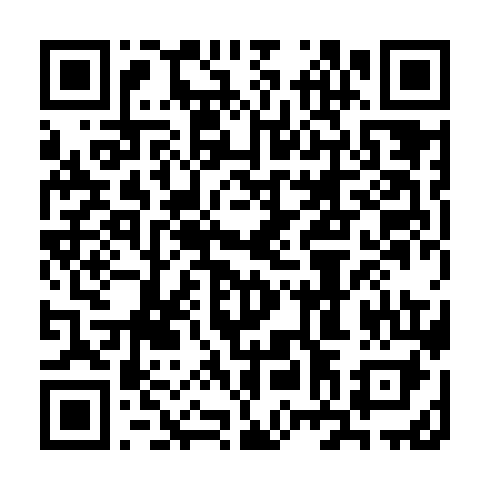
ID server
remote.rememberedwithgrace.com
Key
Q3+IaLFxjUpMN4S13qD+2aVrmMt7GZdYnNoHIXNA2e8=
Relay can stay blank. Leave API blank.
Send the ID to staff
After the helper is running, copy the ID from the app. Not the password.